
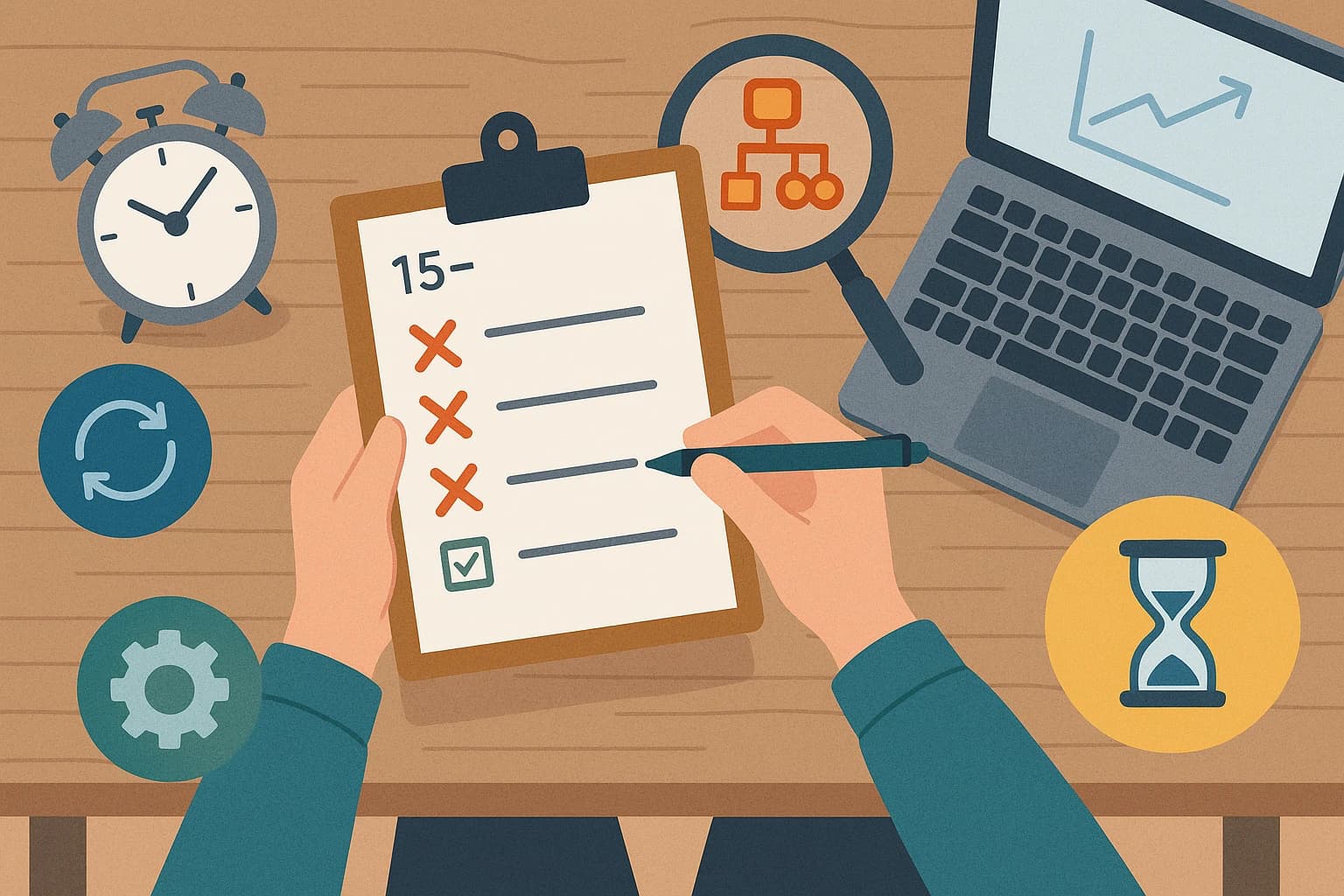
The 15-Minute Automation Audit: How to Find Your Biggest Time-Wasters (and Quickest Wins)
By Dan Martuszewski
01/12/2025
The Hidden Cost of "Just a Few Clicks"
How many times a day do you find yourself thinking, "I just need to quickly copy this data," or "Let me just pull that report"? These small, repetitive tasks feel harmless, but they are silent productivity killers. On their own, they take only a few minutes. But added together, they create a significant drain on your most valuable resource: your team's time and focus.
This accumulation of "quick tasks" leads to hours lost every week, increases the potential for costly human errors, and can lead to employee burnout from tedious, unfulfilling work. It's a universal problem that quietly chips away at your company's efficiency and morale.
What if you could reclaim that lost time? You can, and it's easier than you think.
We want to introduce you to the 15-Minute Automation Audit - a surprisingly simple, yet powerful method to find your biggest time-wasters. It requires no special software or technical skills. All you need is a pen and paper (or a blank document) and 15 minutes of focused thought.
By the end of this article, you will have a clear, prioritized list of tasks that are costing you the most time and a roadmap for your first "quick win" with automation.
What is an Automation Audit (and Why You Don't Need to Be a Tech Guru to Do It)?
Don't let the word "audit" intimidate you. This isn't a complex technical analysis of your IT infrastructure. Think of it more like a "workflow check-up." It’s about looking at your daily and weekly processes with fresh eyes to spot the boring, repetitive parts that are ripe for improvement.
The goal is to understand what you do before you even think about how to automate it. Here’s why this is so critical:
- You Gain Clarity: You can't fix what you can't see. The audit makes the invisible, time-wasting tasks visible and tangible.
- You Prioritize Effectively: It stops you from randomly picking a task to automate. Instead, it helps you focus on the opportunities that will deliver the biggest return on your investment of time and money.
- You Build a Business Case: The audit provides concrete data (e.g., "We spend 10 hours a month copying and pasting invoices") to justify investing in an automation solution.
This is a business exercise, not a technical one. You're the expert on how your business runs; this process simply helps you document it in a new way.
Your 4-Step Guide to the 15-Minute Audit
Ready? Grab a notebook or open a new document. Let's walk through this step-by-step.
Step 1: Brainstorm Your Repetitive Tasks (5 Minutes)
Set a timer for 5 minutes. Your only goal is to create a master list of every task you or your team do more than once a week. Don't filter or judge the tasks yet - just get them all down.
Use these prompts to get started:
- What reports do you create on a daily, weekly, or monthly basis?
- Where are you manually copying and pasting data from one system to another (e.g., from an email to a spreadsheet, from your CRM to an invoicing tool)?
- What standard information do you have to look up to answer common customer or team questions?
- Are there any recurring data entry tasks? (Think new leads, new orders, new customer records).
- What are the standard, repeatable steps for onboarding a new client or a new employee?
Step 2: Document One Task's Workflow (5 Minutes)
Pick one task from your list that feels particularly tedious or time-consuming. Now, your goal is to list every single click, copy, and paste involved in completing it. Be ridiculously specific, as if you're writing an instruction manual for someone who has never done it before.
Example: "Creating a Weekly Sales Report"
- Log into Salesforce.
- Navigate to the 'Reports' tab in the main menu.
- Find and run the 'Weekly Sales Activity' report.
- Click 'Export'.
- Export the report as a .csv file and save it to the desktop.
- Open the downloaded .csv file in Google Sheets.
- Re-format the date column to be DD/MM/YYYY.
- Create a pivot table to summarize total sales by each sales representative.
- Copy the pivot table chart.
- Open a new Gmail draft to the "Management Team" email group.
- Paste the chart into the email body.
- Write a brief summary paragraph above the chart.
- Click send.
Step 3: Calculate the Time Cost (3 Minutes)
Now, let's attach some numbers to the task you just documented. Estimate two things:
- Time per instance: How long does it take to do this task just once? (e.g., 15 minutes)
- Frequency: How often do you or your team do it? (e.g., 5 times per week for different regions)
This is where the "aha!" moment happens. Do the simple math: Time per instance x Frequency.
In our example: 15 minutes x 5 times/week = 75 minutes per week.
That's over 5 hours a month spent on just one report. Even tasks that take only 5 minutes a day add up to over 20 hours of work in a year.
Step 4: Assess the Business Impact (2 Minutes)
Finally, give the task a simple "Impact Score" from 1 (low impact) to 5 (high impact). This helps you understand not just how much time it takes, but how important it is to get right.
Ask yourself these questions to determine the score:
- Is it Error-Prone? (High Impact): Does this task often lead to typos, data errors, or forgotten steps when done manually?
- Is it a Bottleneck? (High Impact): Does this task hold up other important work until it's completed?
- Is it Customer-Facing? (High Impact): Does a delay or error in this task directly affect the customer experience?
- Is it an Employee Morale Killer? (Medium-High Impact): Is this the task everyone on the team dreads doing?
- Is it a Simple Data Transfer? (Low Impact): Is it a simple, internal task where the risk of an error is very low?
Finding Your Quick Win: The "Impact vs. Effort" Matrix
You've now audited a process from start to finish. The best place to start your automation journey is with tasks that are High Impact and appear to be Low Complexity (meaning they are based on clear rules, not complex human judgment or creativity).
Look at the task you just analyzed:
- Does it have a high time cost (e.g., more than 2-3 hours per month)?
- Did you give it a high impact score (3, 4, or 5)?
- Are the steps you documented clearly defined and rule-based?
If you answered "yes" to these questions, you've just found your first perfect candidate for automation.
A great "quick win" automation project usually involves:
- Moving data between different applications (like Salesforce and Google Sheets in our example).
- Following a clear, repeatable set of "if-then" rules.
- Freeing up at least a few hours of valuable staff time each month.
From Audit to Action
In just 15 minutes, you have transformed a vague feeling of "being too busy" into a concrete, data-backed starting point for making your business more efficient and resilient.
Remember, the goal of automation isn't about replacing people. It's about freeing your team from the repetitive, low-value tasks so they can focus on the creative, strategic, and customer-facing work that truly grows your business.
You've successfully identified the 'what' and the 'why.' The next natural question is the 'how.' How do you actually build an automation to handle this task for you?
You've already done the hard part. Now, let an expert validate your findings and show you what's possible.